A real IDE in a container
Linux, a virtual display, and the IDE itself. We configure it through typed IntelliJ APIs, import the project, and wait until indexing is done.

For IntelliJ-based IDE plugins
For plugins on the IntelliJ Platform: IntelliJ IDEA, PyCharm, GoLand, Rider, Android Studio, and the rest. We start a real IDE in a container, install your plugin, and let an AI agent work through your scenarios, the way your users and their agents will. Every run leaves a video, screenshots, logs, and a report.
Linux, a virtual display, and the IDE itself. We configure it through typed IntelliJ APIs, import the project, and wait until indexing is done.
Claude Code, Codex, or Gemini runs your task against the running IDE. Nothing is mocked, so you see what an agent actually does with your plugin.
A screen video, screenshots, the agent’s tool calls, and the IDE logs. If the IDE hangs on a dialog, we take a thread dump before stopping it.
IntelliJ IDEA, PyCharm, GoLand, WebStorm, Rider, CLion, PhpStorm, RubyMine, RustRover, DataGrip, MPS, and Android Studio.
Build your plugin once, then run the same binary on newer releases and EAP builds, with Plugin Verifier on top.
The report is computed from the run data, never written by an agent. Failures stay in it.
Linux containers by default. macOS and Windows runs on request.
Free
The harness is open source. We built it for our previous version, devrig.
Call us
You send your IntelliJ plugin and the scenarios. We run them and send back the evidence.
Call us
We help your team set up the same approach on your own infrastructure.
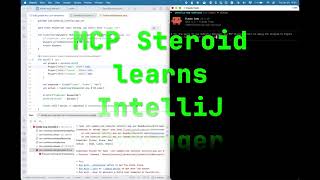
Agents working in a real JetBrains IDE with our previous version.